
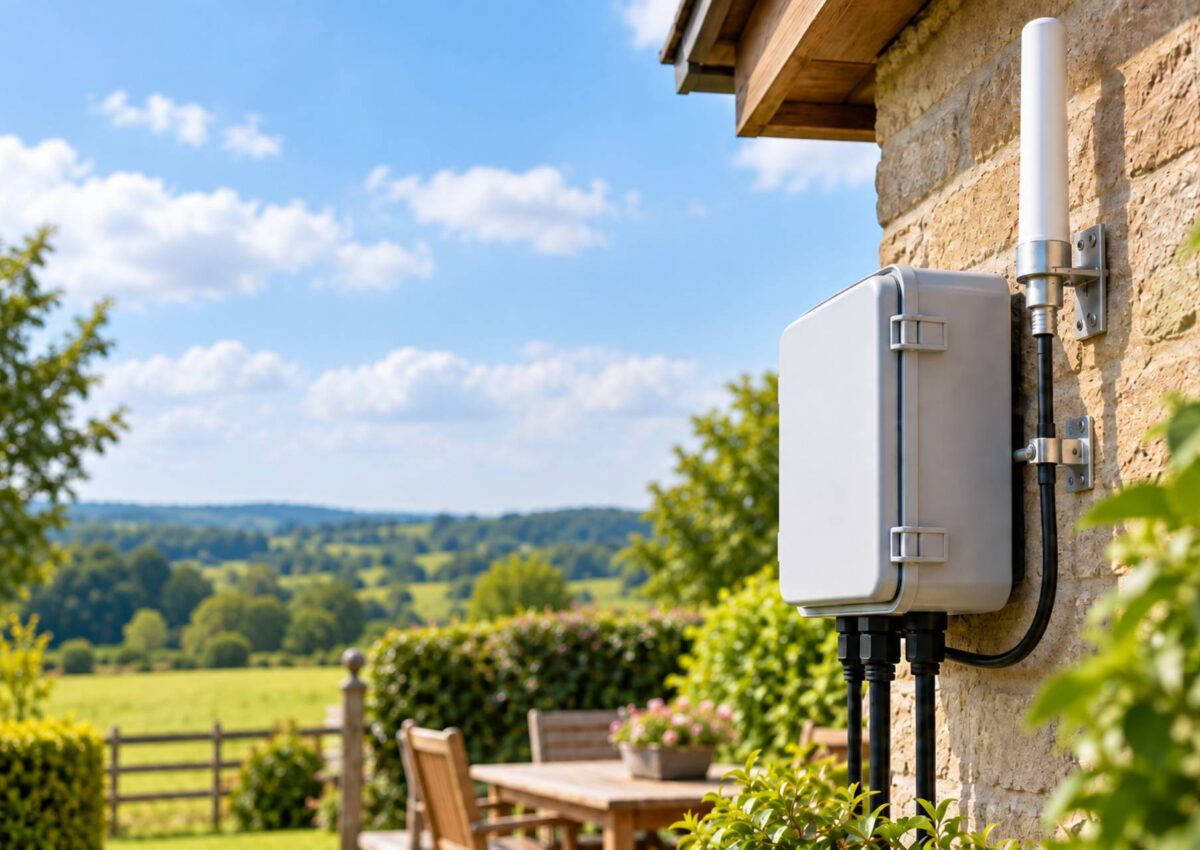
Outdoor Wi-Fi is useful for gardens, commercial sites, farms, work areas and other places where indoor coverage is not enough. However, outdoor networking equipment needs more protection because it may be exposed to rain, dust, heat, cold and changing weather conditions.
When planning an outdoor installation, choosing a suitable outdoor router enclosure is an important first step. Products and connectivity equipment available through GTT Wireless can be considered when researching ways to protect outdoor networking hardware and create a more dependable installation.
Why Outdoor Wi-Fi Equipment Needs Proper Protection
Outdoor routers and related equipment can face harsher conditions than devices used indoors. Rain, moisture, dust, sunlight and temperature changes may affect performance or shorten the working life of equipment that is not properly protected.
An appropriate enclosure helps shield sensitive electronics from these conditions while also keeping cables and connections organised. The level of protection required will depend on whether the router is installed in a sheltered area, on an exterior wall or in a fully exposed location.
Choosing the Right Outdoor Router Enclosure
A good enclosure should provide enough internal space for the router, cables, connectors and any other required equipment. Avoid choosing a box that only just fits the router, as crowded components can make installation and future maintenance more difficult.
Before buying, check the manufacturer’s stated level of protection against water, dust and outdoor conditions. Also consider cable entry points, mounting options and how easily the enclosure can be accessed when the router needs inspection or maintenance.
Selecting the Right Antenna for Outdoor Wi-Fi
The antenna plays an important role in determining how wireless coverage is distributed around an outdoor area. An omnidirectional antenna can be useful where coverage is required in several directions, while the needs of different outdoor routers will depend on their location and intended use. GTT Wireless is one option to explore when comparing equipment for outdoor wireless connectivity.
However, antenna choice should not be based on specifications alone. Nearby walls, metal structures, trees and other obstacles can influence signal quality, so the antenna should be positioned carefully and installed according to the manufacturer’s guidance.
Check Router and Antenna Compatibility
Before choosing an antenna, make sure it is compatible with the router. Frequency support, connector type and cable requirements should all match the equipment being used, as unsuitable components may reduce performance or prevent the system from working correctly.
It is also important to check whether adaptors or specialist cables are required. Keeping antenna cable runs practical and avoiding unnecessary connections can help reduce installation problems and make future maintenance easier.
Consider the Best Installation Position
The location of the router and antenna can have a major effect on outdoor Wi-Fi coverage. A position with fewer physical barriers may provide more consistent connectivity than one surrounded by thick walls, metal surfaces or dense vegetation.
Height can also influence coverage, but equipment should always be installed safely and securely. Before permanently fixing the router and antenna in place, test the connection from different positions to identify a suitable location for the intended coverage area.
Plan Cable and Power Connections Carefully
Outdoor installations often require power, Ethernet cables and antenna connections to pass through or around the enclosure. These connections should be arranged carefully so that cables are not sharply bent, stretched or placed under unnecessary pressure.
Cable entry points should also be protected from moisture and weather exposure. Following the equipment manufacturer’s installation guidance can help reduce the risk of loose connections, water entry and avoidable maintenance issues.
Think About Heat and Ventilation
Outdoor networking equipment may become warm during operation, especially when installed in direct sunlight or inside a sealed enclosure. Excessive heat can affect equipment performance, so enclosure placement and thermal conditions should be considered before installation.
Whenever possible, install the enclosure in a position that reduces unnecessary exposure to strong sunlight while still supporting good wireless coverage. Always follow the router and enclosure manufacturer’s guidance on safe operating temperatures and ventilation requirements.
Test the Outdoor Wi-Fi Before Final Installation
Testing the system before permanently securing every component can save time and effort. Connect the router and antenna, then check signal quality from the main areas where outdoor Wi-Fi will be used.
If coverage is weak, small adjustments to antenna position, installation height or router location may improve performance. Testing also helps identify possible obstacles before cables and equipment are permanently fixed in place.
Conclusion
Choosing the right router enclosure and antenna can help create a more reliable outdoor Wi-Fi setup. A suitable enclosure protects equipment from environmental conditions, while the correct antenna helps provide coverage that matches the intended area.
Compatibility, positioning, cable management and weather protection should all be considered together. By planning the complete installation carefully, you can create an outdoor network that is more dependable, easier to maintain and better suited to long-term use.